

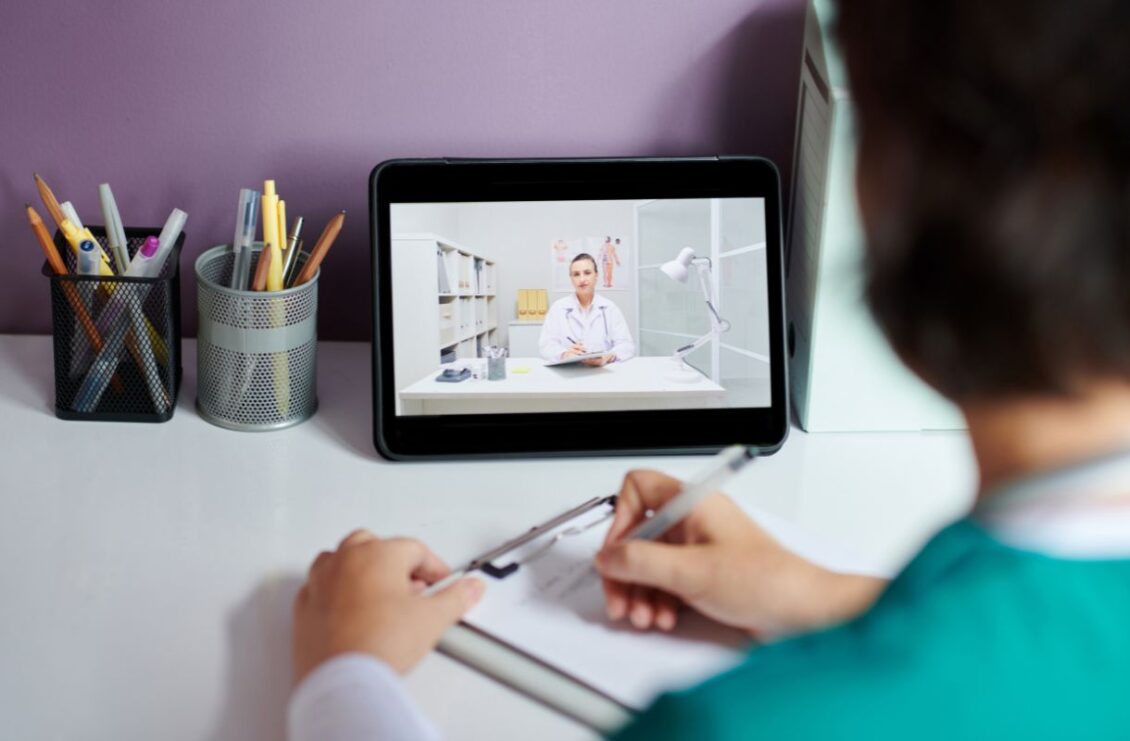
Educational video works when movement and sound make an idea easier to understand, not when visual activity merely makes a lesson appear more entertaining.
A lesson plan and a video script organize information in different ways. A lesson plan may state an objective, identify prior knowledge, introduce an example, and reserve time for practice. A video has to express that structure through sequence, duration, image, voice, and sound. It cannot notice a confused face in the room or pause automatically when a concept needs another explanation.
This makes educational video less like recording a lecture and more like designing attention. The creator decides what the learner sees while each sentence is spoken, which relationship deserves movement, where a pause belongs, and when an example should replace an explanation. Every visual choice should support the learning goal.
Seedance 2.0 can help translate lesson materials into short audiovisual sequences by using text, images, video, and audio references. A storyboard can define shot order, diagrams can protect important relationships, motion references can demonstrate a process, and narration or temporary sound can guide timing. The prompt explains how those materials should work together.
Define the Learning Change Before the Visual Style
I would begin by completing a simple sentence: after watching, the learner should be able to do or explain something they could not do or explain before. This prevents the project from starting with animation style, dramatic transitions, or a collection of facts that have no clear outcome.
If the objective is to compare two methods, the video needs a structure that makes the comparison visible. If the objective is to understand a process, the sequence should show order, cause, and consequence. If the learner must recognize a pattern, several examples and at least one contrasting case may be more useful than a long definition.
The Seedance 2.0 interface supports multimodal references. I would test one concept and one brief sequence first. A limited experiment makes it easier to see whether the visual movement actually clarifies the lesson or simply decorates the narration.
The learning objective also provides a review standard. Instead of asking whether the video feels impressive, the team can ask whether the relevant relationship is visible, whether the example arrives at the right time, and whether a learner could summarize the central idea afterward.
Convert the Lesson Plan Into Visible Beats
A lesson plan often contains an opening question, explanation, demonstration, guided example, and conclusion. Those sections can become visible beats, but they should not all receive the same duration or visual treatment. The difficult step deserves more time than the introduction, and a familiar idea may need only a quick reminder.
I like to write each beat as an action for the learner’s attention. Notice the difference between two shapes. Follow the path of an object. Predict what will happen next. Compare the result with the original assumption. This language helps the storyboard focus on cognition rather than presenter activity.
Seedance 2.0 can interpret text-based storyboards and visual references while producing multi-shot audiovisual output. A creator can specify that the first shot establishes the problem, the second isolates the important parts, and the third shows how they interact. The result can serve as a moving draft for timing and continuity.
A draft does not need to be visually finished to be educationally useful. If a transition happens before the explanation is complete, the team has learned something. If the important element becomes too small, the composition needs to change. Previsualization is valuable because it exposes these problems before final production.
Give Every Reference a Teaching Function
Educational projects accumulate illustrations, screenshots, charts, photographs, clips, narration, and examples. Uploading every available asset can create visual inconsistency and cognitive noise. I would choose references according to the instructional job they perform.
An approved diagram protects a relationship that must remain accurate. A photograph provides real-world context. A short video demonstrates motion or procedure. A character image may establish a recurring guide. Audio can supply narration, pronunciation, rhythm, or environmental information. Style references should influence presentation without changing subject matter.
Seedance 2.0 supports mixed image, video, and audio inputs with natural-language direction. The prompt should identify what to take from each source: preserve the labeled structure from one image, follow the motion shown in a clip, and use another image only for color and visual style.
This mapping reduces ambiguity and improves team communication. A subject specialist can identify which materials are authoritative. An educator can explain the teaching purpose. A visual creator can determine how the references become a coherent sequence without treating every asset as equally important.
Use Motion Where Change Matters
Movement is most useful when the concept itself changes over time. It can show an object rotating, a route developing, parts assembling, quantities accumulating, or a cause producing an effect. When nothing changes, a still image may give the learner more time to inspect the relevant detail.
Seedance 2.0 is designed to improve complex motion, interaction, instruction following, and physical plausibility. This can support demonstrations in subjects such as design, engineering, geography, physics, craft, and software concepts, provided the result is checked against authoritative information.
I would avoid adding constant background movement. Decorative characters, particles, and camera motion compete with the information the learner needs to track. Motion should direct attention, reveal a relationship, or communicate duration. If removing an animation does not change understanding, it may not belong.
Camera movement needs the same discipline. A push-in can isolate a detail. A change of angle can clarify depth. A wider frame can reveal how several elements relate. A sweeping move that does none of these may make the lesson harder to follow.
Synchronize Narration With the Learner’s View
Narration often becomes crowded because writers try to include every useful detail. The image and voice then compete: the speaker describes one idea while the screen already shows the next. Learners must choose where to direct attention, and important relationships can be missed.
The model’s audiovisual architecture supports audio references and synchronized generation. A narration track can guide the duration of actions, while visuals can be timed to appear when they are named. Sound effects and ambience can support a demonstration without covering the explanation.
I prefer short sentences and deliberate pauses. A pause allows the learner to inspect a diagram, predict an outcome, or connect two steps. Silence is part of instructional timing. It does not need to be filled with visual activity.
Voice should remain clear, paced appropriately, and consistent with the intended learners. Terminology, pronunciation, numbers, and units require subject review. Captions and transcripts should be prepared accurately rather than derived from an unverified draft.
Use Examples to Test Understanding, Not Just Repeat It
An explanation can feel clear because the creator already knows the answer. A useful example reveals whether the idea transfers to a new situation. I would include a familiar case first, then change one important condition and ask the learner to notice what changes in the result.
Seedance 2.0 can help produce variations that preserve a visual setting or character while altering a specific action, object, or sequence. This can support paired examples, comparisons, and short prediction moments. Each variation should correspond to a teaching question rather than simply increasing content volume.
A wrong example or common misconception can also be valuable when clearly identified. The video might show an apparently reasonable choice, pause before the consequence, and then explain why it fails. The distinction must remain unmistakable so the incorrect method is not remembered as the recommendation.
I would review examples with someone who has not seen the script. If that person cannot identify what changed or why it matters, the contrast needs stronger composition, timing, or explanation.
Build Short Sequences That Can Be Reused
Long videos are difficult to revise when one fact, interface, or example changes. Modular sections are easier to update and easier for learners to revisit. A concept introduction, demonstration, worked example, and summary can function together while remaining separate production units.
Seedance 2.0 supports video extension and targeted editing, which can help when one action needs more time or a particular element changes. A useful segment does not always need to be regenerated from the beginning. Continuity should still be checked across the revised image, motion, narration, and sound.
Modularity also supports different course formats. A short visual explanation can appear inside a longer lesson, a review activity, or an instructor-led discussion. The educational idea remains stable while the surrounding context changes.
Design for Accessibility From the Beginning
Educational video should not depend on one sensory channel. Captions help learners in many environments, not only those who cannot hear the audio. Narration should explain essential visual relationships, and visual descriptions should be available when an image carries information that words do not repeat.
Color should not be the only way to distinguish categories. Text needs sufficient contrast and time on screen. Rapid flashes, constant motion, dense compositions, and very small labels can make a lesson difficult to access. A calm design often improves comprehension for everyone.
Seedance 2.0 can generate imagery and sound, but accessibility elements require deliberate authoring and review. Exact labels, formulas, captions, and on-screen text may be safer to finish in conventional editing or motion-graphics tools where spelling, placement, and duration can be controlled directly.
Verify Every Educational Claim and Visual Relationship
A convincing animation can make an incorrect explanation feel true. Subject accuracy therefore matters more as visual realism improves. Educators and specialists should review facts, sequence, scale, causality, labels, and examples against reliable source material.
Seedance 2.0 improves physical plausibility and instruction following, but generated output should not be treated as evidence. Objects can change between frames, diagrams can drift, text can become unstable, and processes may acquire steps that were never specified. Slow playback often reveals errors that normal viewing hides.
References also need appropriate rights and permissions. Images, video, audio, artwork, books, interfaces, voices, and identifiable people may have restrictions. Prompts, source assets, settings, reviews, and approvals should be stored with the final video.
Returning users can read the service notice explaining that Seedance2.ai has moved to Seevio.ai. Updating internal production notes with the current location helps keep older lesson-video projects connected to the workflow used to create them.
Engagement Should Serve Understanding
An engaging educational video does not require constant surprise. Engagement can come from a well-timed question, a visible change, a clear example, or the satisfaction of seeing a difficult relationship become understandable. The learner’s attention should have somewhere useful to go.
Seedance 2.0 gives educators and media teams a way to combine lesson plans, storyboards, diagrams, motion references, narration, and sound in an early moving draft. That can support concept testing, previsualization, modular content, alternative examples, and carefully reviewed final footage.
Human judgment remains responsible for the lesson. Educators define the learning change, subject specialists protect accuracy, designers guide attention, and editors create enough time for understanding. Used within that collaboration, Seedance 2.0 can help turn a plan on the page into a visual explanation without confusing activity with learning.
