

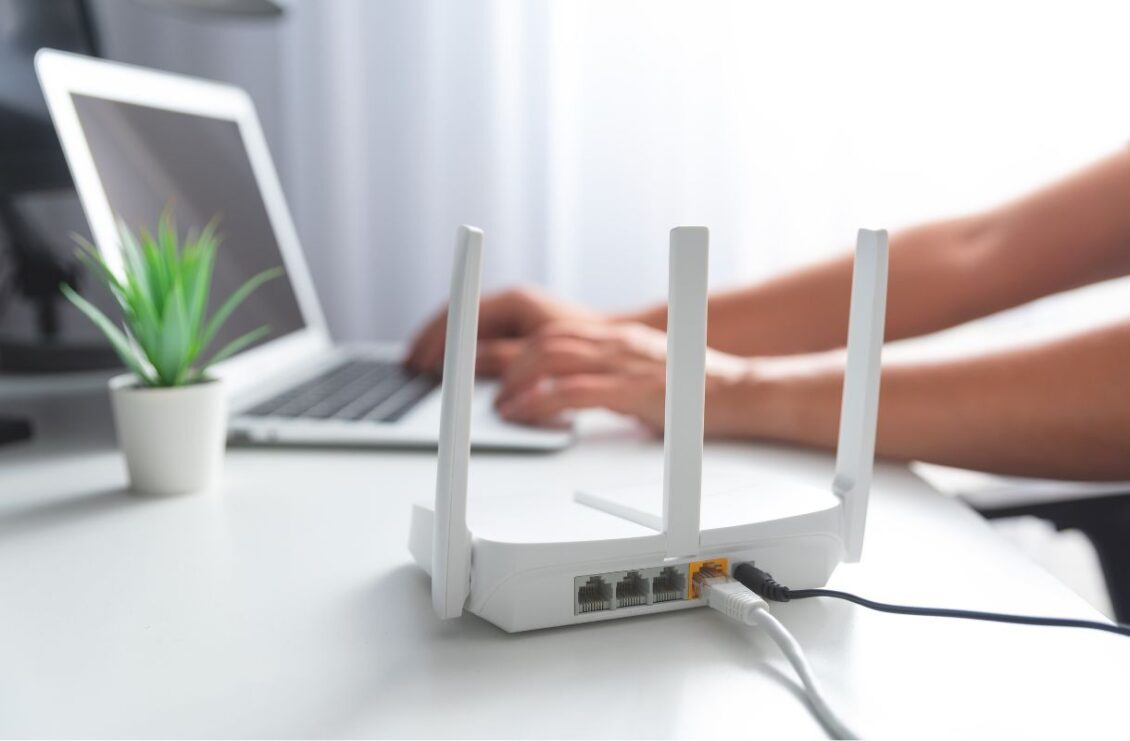
The WiFi router is one of the most important devices in your home, as it serves as the central hub that allows all your devices to connect to the internet, but it isn’t given as much importance as it deserves. The router plays a critical role in ensuring smooth internet connectivity for all digital devices. However, like any electronic device, routers don’t last forever, and over time, hardware ages, software becomes outdated, and newer technologies are introduced, which make older routers obsolete.
Even if a router still works and provides internet access, it may no longer deliver the speed, coverage, security, or reliability required by today’s internet users. Therefore, it is important that you update your router at the right time to enjoy the best internet performance. Knowing when to replace your router can make a difference, and below we have discussed the most common signs that indicate it’s time to upgrade your WiFi router.
Your Router Is More Than 5 Years Old
One of the most obvious indicators that it is time to replace your router is its age. While WiFi routers don’t come with a fixed expiry, most consumer models remain technologically competitive for about four to five years. After this period, routers struggle to keep up with newer internet standards and connected devices. Because older routers lack support for modern features, it is best that you upgrade your router after five years to significantly improve speed, efficiency, and security.
Frequent WiFi Disconnects
A telltale sign of an outdated WiFi router is frequent WiFi disconnects. A reliable router should be able to maintain a stable and steady connection throughout the day. If your devices regularly disconnect from WiFi or require frequent reconnections, the router may be experiencing hardware issues or struggling to keep up with network traffic. Common examples include random WiFi dropouts, video calls disconnecting, streaming interrupting, devices repeatedly reconnecting, or smart home devices going offline.
While internet interruptions can be from your ISP, they are usually brief and occasional. Persistent disconnects often indicate hardware wear and that the router needs a replacement.
Slow Speeds Despite a Fast Internet Plan
If you have a fast internet plan and are still experiencing slow internet speeds, it means that your router cannot support the speeds provided by your ISP and you need to make an upgrade. For instance, if you have subscribed to a gigabit internet plan but your router only supports older wireless standards, you’ll never experience the full speed available and will notice only little improvement in WiFi performance.
If wired speed tests show excellent results but wireless speeds are slow, it means that your router may be limiting your connection, and replacing it with a newer model will allow you to fully utilise your internet subscription.
Security Features Are Outdated
Cybersecurity is evolving continuously, but older routers don’t receive firmware updates or have support for modern security standards. The security features that you can find on http://192.168.1.1/ on a modern router won’t be available on an older one. Signs that your router’s security is outdated include no WPA3 support, no latest firmware updates, weak firewall capability, and no intrusion/detection system.
Using old networking equipment increases the risk of cyberattacks and unauthorized access. If your router is no longer receiving security updates, replacing it is strongly recommended to improve network security.
Your Router Lacks Modern Features
If your router lacks modern features that improve performance, convenience, and security, like WiFi 6 or WiFi 7 support, Guest WiFi, Quality of Service (QoS), VPN support, mobile management apps along with the 192.168.0.1 admin dashboard, MU-MIMO and OFDMA, it means that you need to make an upgrade. Older routers can function without these features, but upgrading provides a noticeably better networking experience and makes your router capable of meeting your evolving internet needs.
Your Router Cannot Handle Multiple Devices
Modern households and offices often have dozens of devices connected to the internet simultaneously. Older routers were designed for fewer connected devices. So if your network slows down significantly whenever several devices are connected simultaneously, the router may have reached its maximum device capacity. This means that you need to make an upgrade so that you can enjoy stable performance, even when dozens of devices are connected.
